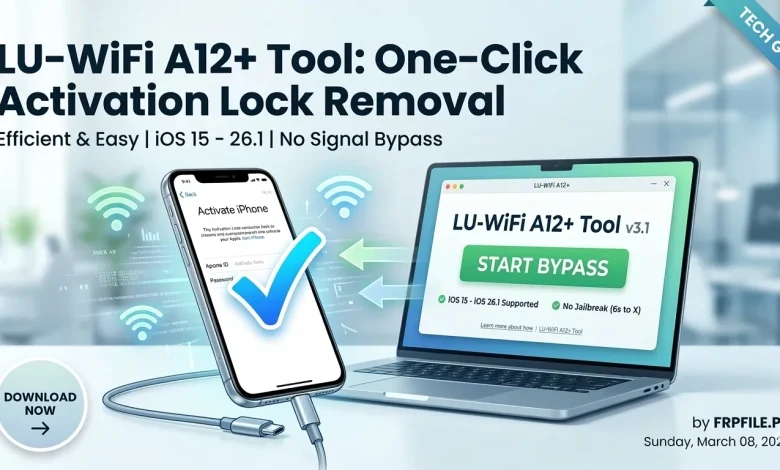
LU-WiFi A12+ Tool: One-Click Activation Lock Removal (No Signal)
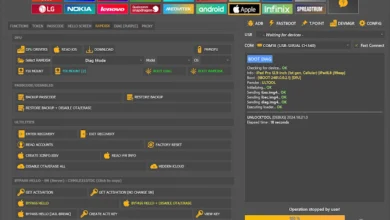
The LU-WiFi A12+ Tool is a powerful utility designed for technicians and Apple enthusiasts to resolve iCloud Activation Lock issues and fix signal-related problems on specific iPhone and iPad models. Acting as a professional digital repair kit, this tool is essential for restoring functionality to devices stuck on the activation screen.
Key Features of LU-WiFi A12+
- Activation Lock Bypass: Effortlessly bypass iCloud activation on supported hardware.
- Wide iOS Compatibility: Fully supports iOS 15 through iOS 26.1.
- User-Friendly Interface: A clean, intuitive layout designed for both beginners and pros.
- Built-in Support Checker: Instantly verify if your device is compatible before starting.
- Enhanced Stability: Optimized for smoother performance with minimal process errors.
What’s New in the Latest Update?
- No Signal Bypass: Added support for bypassing activation on devices without a signal.
- No Jailbreak Required: Bypass support for iPhone 6s through iPhone X without needing to jailbreak.
- iPad Support: Now includes full support for Checkm8-compatible iPads.
- Bug Fixes: Resolved previous iCloud login issues and improved the internal support checker.
- Performance Boost: Faster execution speeds and refreshed UI for better navigation.
How to Use LU-WiFi A12+ (Step-by-Step Guide)
- Download: Get the latest version of the LU-WiFi A12+ tool on your PC.
- Launch: Open the application once the installation is complete.
- Connect: Use a high-quality USB cable to connect your iPhone or iPad to the computer.
- Network Setup: Ensure your Apple device is connected to a stable Wi-Fi network.
- Verify: Use the integrated Support Checker to confirm compatibility.
- Activate: Click on “Start Bypass” and allow the tool to complete the process.
Frequently Asked Questions (FAQs)
1. Which devices are supported by LU-WiFi A12+? The tool supports iPhone 6s through iPhone X, along with several Checkm8-based iPad models.


2. Is a Wi-Fi connection required during the bypass? Yes, your device must have an active Wi-Fi connection for the tool to communicate with the necessary servers.
3. Does it support the newest iOS versions? Yes, the LU-WiFi A12+ tool is updated to support iOS versions ranging from iOS 15 up to iOS 26.1.
4. Is this tool safe for beginners? Absolutely. The one-click interface is designed to be straightforward, reducing the risk of user error.
| INFO | DETAILS |
|---|---|
| File Name: | LU-WiFi A12+ Tool |
| Latest Version: | LU-WiFi A12+ Tool |
| File Size | 35 MB |
| Password: | No Password |
| Download Links: | MediaFire |